

How to Modify or Share Programs on Practice Better
Jan 19
1 min read
Once you’ve created a program in Practice Better, you can easily edit it, retrieve your shareable link, or archive/delete it at any time.
Here’s how:
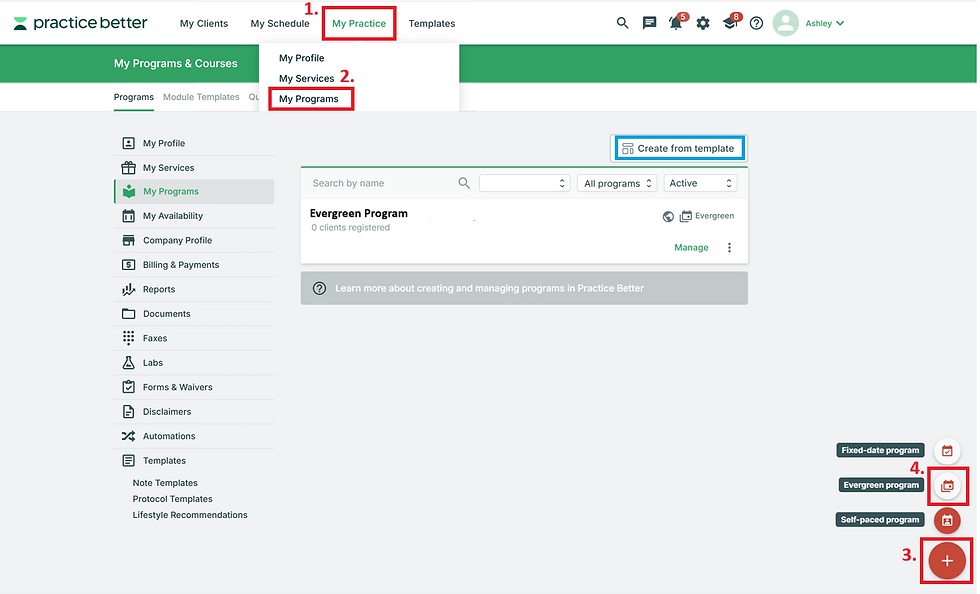
Go to My Practice
Click My Programs
Find the program you want to update
Click the three dots next to the program name
From here, you can:
Edit program details (pricing, duration, settings, content, etc.)
Retrieve your shareable link to send to clients or add to your website
Duplicate your program to use it as a base template for a new program
Archive or delete your program if you no longer want it active

That’s it — quick and simple.


.png)


Comments